Chrome extension
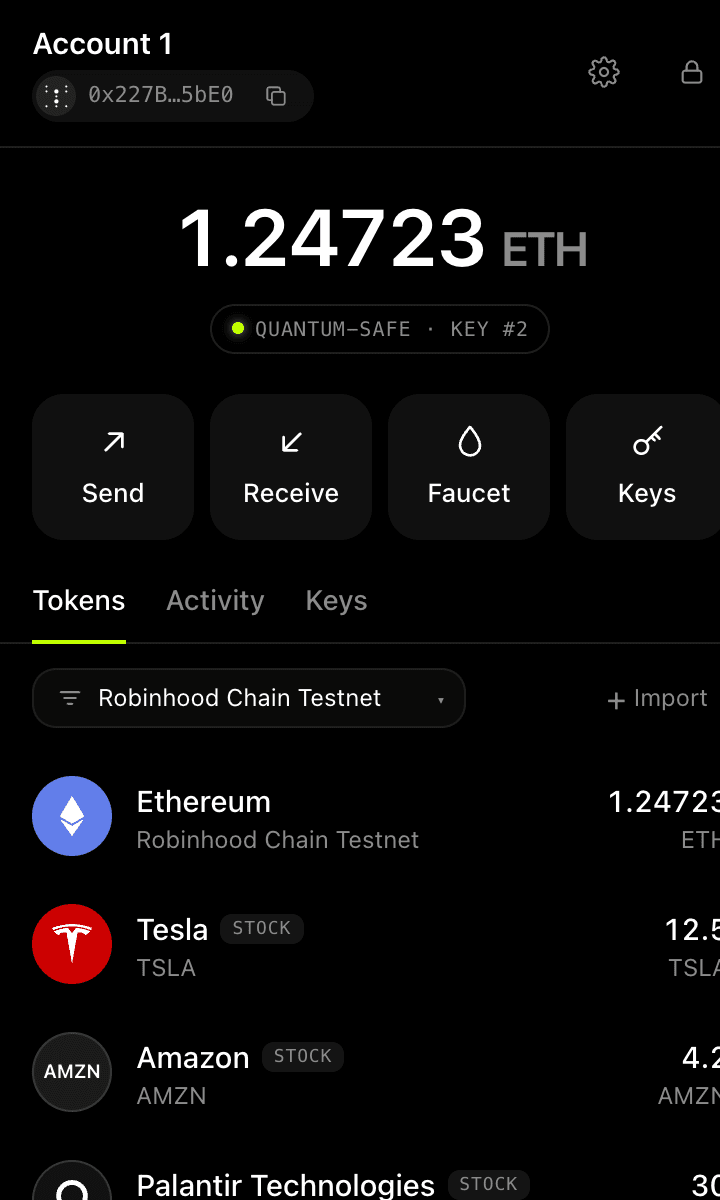
Your quantum-safe wallet,
one click from any dApp.
The same Winternitz account as the web wallet, in your browser toolbar. Connect it to dApps like any other wallet; every transaction is still signed by a one-time, hash-based key.
v0.1 · Manifest V3 · Chrome 116+ · Brave, Edge, Arc
Prototype, not audited, not yet on the Chrome Web Store: it installs in developer mode. Use testnet funds.
Install in six steps
- 1
Download
Get the extension package (ZIP) with the button above.
- 2
Unzip
Extract it to a folder you will keep, for example Documents/winternitz-extension.
- 3
Open extensions
Type
chrome://extensionsin the address bar and press Enter. - 4
Developer mode
Switch on Developer mode in the top-right corner of that page.
- 5
Load unpacked
Click Load unpacked and choose the folder you extracted.
- 6
Pin it
Pin Winternitz from the puzzle-piece menu. Prefer a sidebar? Turn on side panel mode in Settings.
Works like the wallets you know
dApps see a standard EIP-1193 provider. The one difference: off-chain message signing (personal_sign, signTypedData) is refused, because a one-time key cannot sign twice.
Popup or side panel
Open it from the toolbar, or keep it docked in Chrome's side panel next to the dApp, like MetaMask's sidebar.
Password-encrypted seed
AES-256-GCM with a PBKDF2 key. The decrypted seed only lives in memory while unlocked.
Connects to dApps
Announced via EIP-6963 and exposed as window.ethereum when no other wallet is installed.
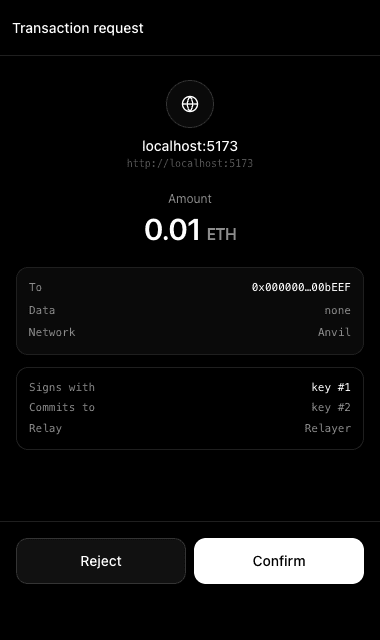
Approval for everything
Every connection and every transaction opens an approval window first.
One key per transaction
Each approval shows which one-time key signs and which one replaces it.
For developers
Discover Winternitz with EIP-6963 (rdns xyz.winternitz.wallet):
window.addEventListener("eip6963:announceProvider", (e) => {
  if (e.detail.info.rdns === "xyz.winternitz.wallet") {
    const provider = e.detail.provider;
    provider.request({ method: "eth_requestAccounts" });
  }
});
window.dispatchEvent(new Event("eip6963:requestProvider"));